
Photo Collage vs Photo Mosaic: What's the Difference and Which Should You Make?
Photo collage and photo mosaic are often confused. Here is the actual difference, when to use each, side-by-side examples, and the right tools for both.
Posted by
 Jake Manger
Related reading
12 Best Photo Mosaic Makers in 2026 (Honestly Compared)
An honest comparison of 12 photo mosaic makers tested in 2026. Find the right tool for free use, premium prints, weddings, or large-scale event mosaics.
The short answer
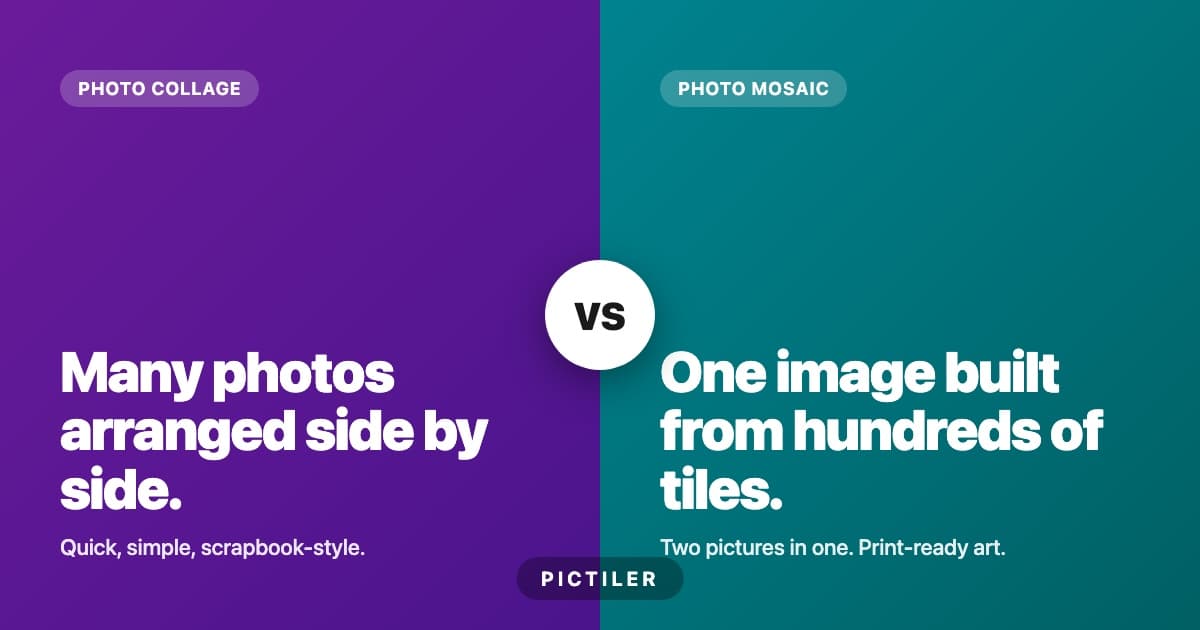
A photo collage is many photos arranged side by side, all visible at once.
A photo mosaic is one large image built from hundreds of smaller photos, where the small photos act as tiles. From across the room you see one picture. Up close you see the photos that make it up.
They look like cousins from far away and behave very differently up close. The rest of this article covers the differences in detail, when to choose each, and the tools that make either kind of project easy.
The visual difference
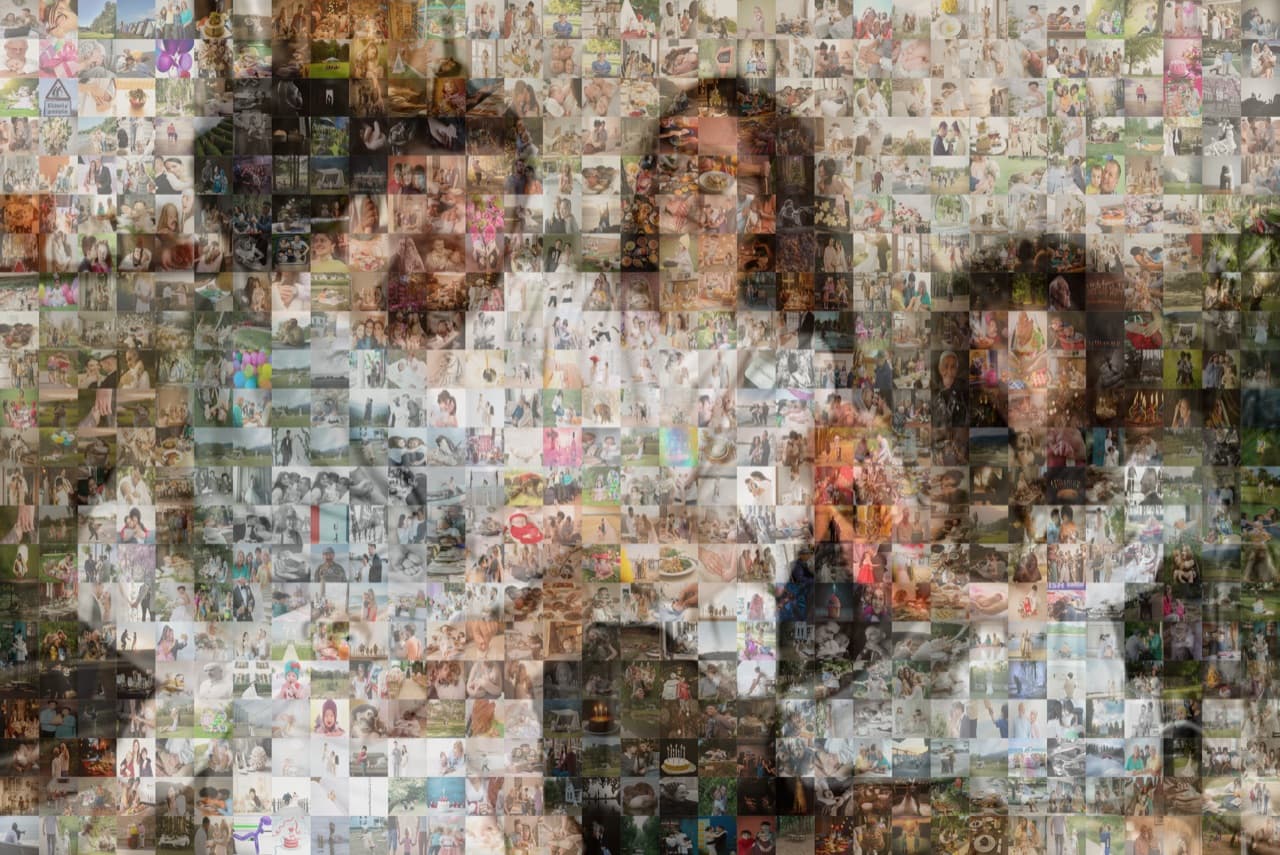
A photo mosaic has two visual layers. The first is the main image: the portrait, the heart shape, the typographic year. The second is the tile pool: hundreds or thousands of individual photos that, taken together, form the colours of the main image. Every tile is its own complete photo. Every tile is also a single coloured pixel in the larger image.
A photo collage has one visual layer. Every photo is shown in full, arranged in a grid, an organic layout, or a heart or letter shape. There is no large image hiding inside. What you see is what is there.
The technical difference
- Number of photos. Collage: 5-50 photos. Mosaic: 200-2,000+ photos.
- Photo size in the print. Collage: each photo is large enough to recognise faces. Mosaic: each tile is around 1cm or smaller in print, so you have to walk up close to see what it is.
- Algorithm involvement. Collage: layout templates, drag-and-drop. Mosaic: colour-matching algorithms place each tile where its average colour matches the corresponding region of the main image.
- Print size sensitivity. Collage: works at any size from 5x7 inches up. Mosaic: needs at least 12x18 inches for the close-up reveal to work, ideally 24x36 inches or larger.
- Time to make. Collage: 15 minutes in a template tool. Mosaic: 30 to 60 minutes including photo gathering and adjustments.
When to make a photo collage
A photo collage is the right pick when:
- You have between 5 and 50 photos. Anything less is a single print. Anything more is a mosaic.
- You want every photo to be clearly visible. A collage shows each photo in full. A mosaic does not.
- You are printing small. 8x10 to 16x20 inches. Collage scales down well, mosaic does not.
- You want a fast result. Collage tools have templates that produce a finished design in under 30 minutes.
- The intended viewer wants to see specific photos instantly. Like a yearbook, a scrapbook page, or a fridge-magnet print.
When to make a photo mosaic
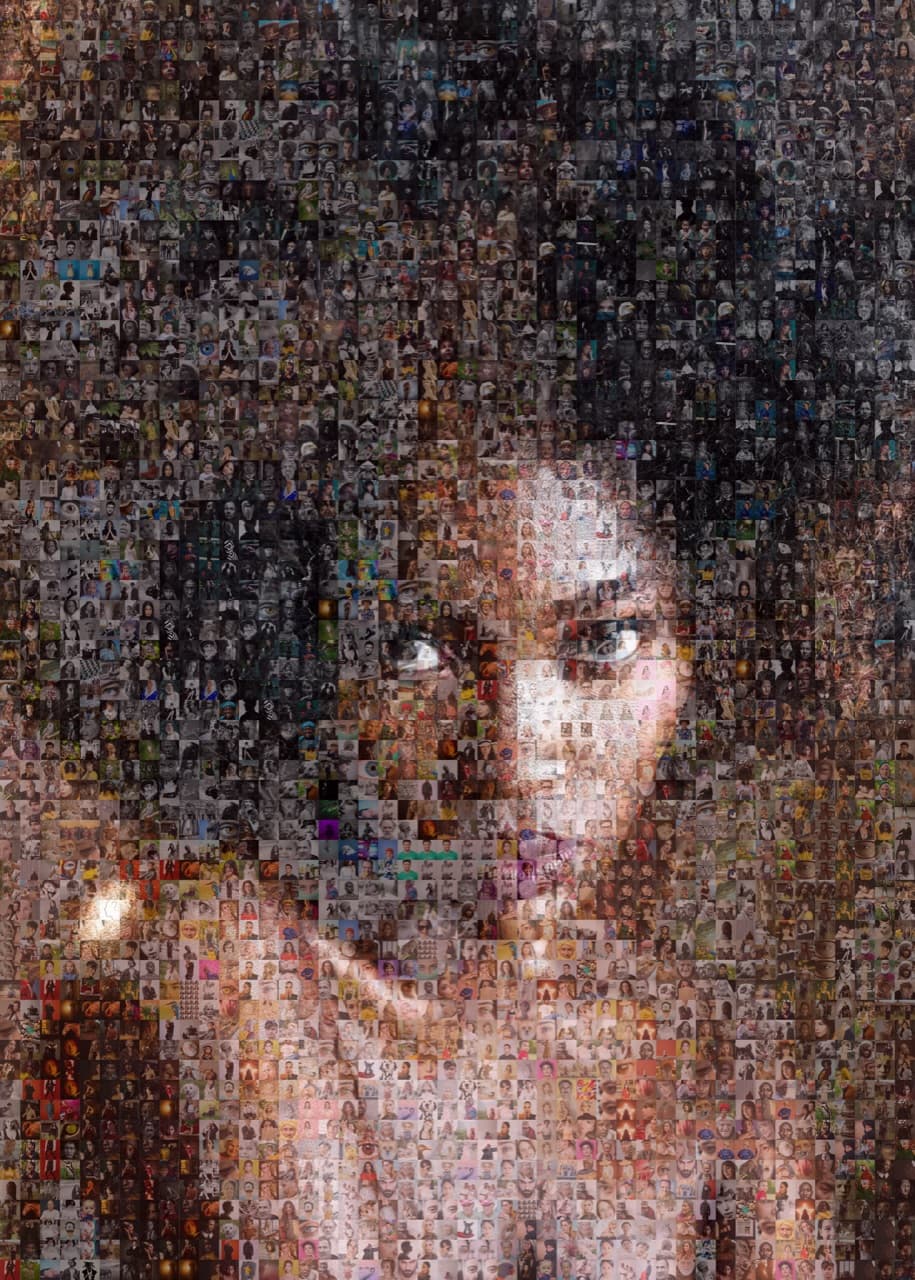
A photo mosaic is the right pick when:
- You have 200+ photos. Mosaics need variety to render the main image well.
- You want one strong subject visible from a distance. A portrait, a heart, a year, a logo. A mosaic delivers a single instant impression and a deep second layer.
- You are printing large. 16x24 inches and up. The bigger the print, the more the mosaic effect works.
- You want a gift that stops people in the hallway. Mosaics are conversation pieces. Most people have never seen one in person.
- The occasion deserves it. Weddings, milestone birthdays, retirements, memorials, anniversaries. The size of the gesture matches the moment.
Ready to make your own photo mosaic?
PicTiler turns your photos into a high-resolution mosaic in minutes. Upload a main image, drop in your gallery, and download a print-ready file. No watermarks on free previews and unlimited tweaks until you love the result.
Try PicTiler freeTools for photo collages
Collage tools are abundant. The major ones:
- Canva. Free, web-based, hundreds of collage templates. Best all-rounder.
- Fotor and PhotoCollage. Free collage-specific tools.
- Shutterfly. If you plan to print, their integrated collage tool connects directly to canvas and poster orders.
- Adobe Express, PicCollage, and Mixbook also produce collages with print integration.
Tools for photo mosaics
Mosaic tools are fewer. The major ones:
- PicTiler. Web-based, no install, no watermark on previews, high-resolution print exports. Built for the in-between user.
- EasyMoza, Mosaically, and Picture Mosaics. Free or freemium, often with watermarks on the free tier.
- TurboMosaic and Mazaika. Paid desktop software for power users who want maximum control.
- Picture Mosaics studio service. They make and print the mosaic for you. Premium pricing for premium results.
For a fuller comparison, see our honest review of the 12 best photo mosaic makers.
The hybrid option
A growing number of gifts use a hybrid. A small collage of 5-10 hero photos arranged into a shape, and a high-tile-count mosaic in the background. From a distance, a single subject. Up close, the hero photos are visible at full size while the background tiles fill in the colour. Most modern mosaic tools, including PicTiler, support this style by letting you mark certain tiles as "featured" at a larger size.
Final verdict
Photo collages are easier, faster, and best for casual use. Photo mosaics are slower, more dramatic, and best for milestone gifts. If you have the photos and the moment warrants it, the mosaic is the harder-hitting choice. If you have ten photos and a coffee mug to fill, go collage.
Ready to make your own photo mosaic?
PicTiler turns your photos into a high-resolution mosaic in minutes. Upload a main image, drop in your gallery, and download a print-ready file. No watermarks on free previews and unlimited tweaks until you love the result.
Try PicTiler free