
12 Best Photo Mosaic Makers in 2026 (Honestly Compared)
An honest comparison of 12 photo mosaic makers tested in 2026. Find the right tool for free use, premium prints, weddings, or large-scale event mosaics.
Posted by
 Jake Manger
Related reading
Photo Collage vs Photo Mosaic: What's the Difference and Which Should You Make?
Photo collage and photo mosaic are often confused. Here is the actual difference, when to use each, side-by-side examples, and the right tools for both.
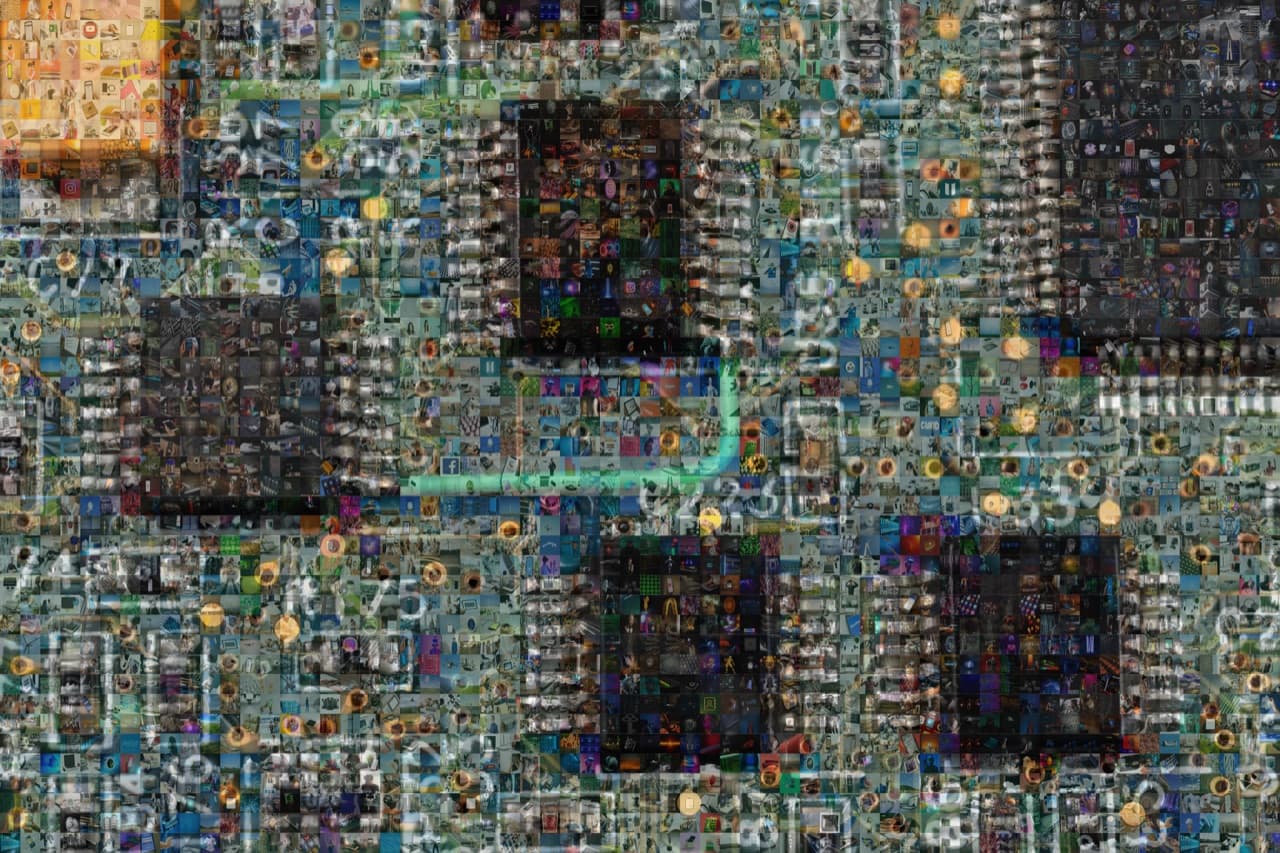
How we picked these tools
There are dozens of photo mosaic makers online. Most are wrappers around the same basic algorithm with very different output quality. We tested each tool against the same brief: upload a 4 megapixel portrait, supply 300 tile photos, and judge the finished mosaic on tile variety, colour matching, export resolution, and print options.
What follows is the honest version. Some tools are great. Some are great if you only need 50 photos. Some look slick but cheat by overlaying the main image on top of the tiles instead of doing real colour matching.
1. PicTiler
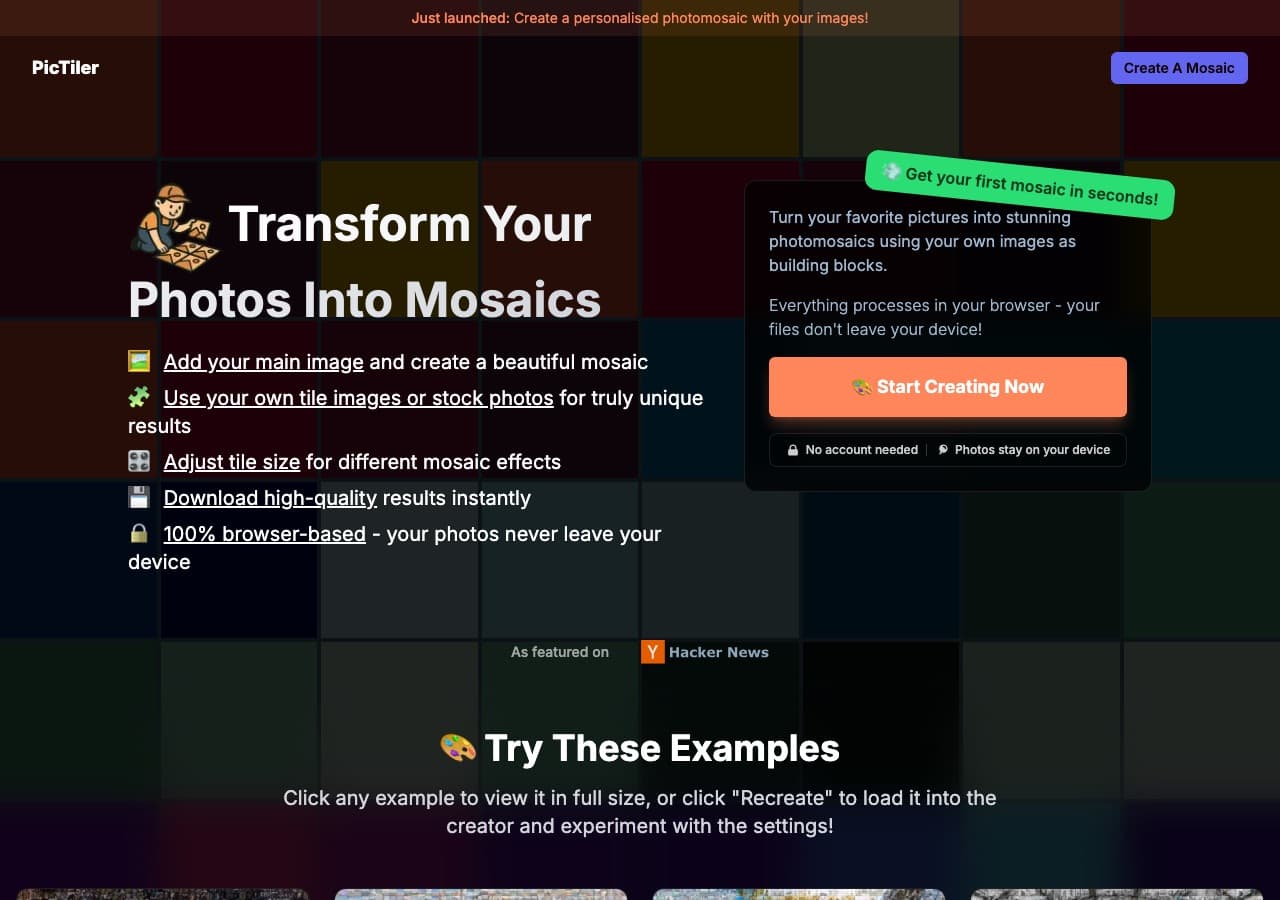
PicTiler is built for the in-between user: serious enough to want a print-ready file, casual enough to not want to install desktop software. Fast generation, no watermarks on previews, and high-resolution downloads at 400 dots per inch.
Best for: gifts, weddings, anniversaries, and any one-off mosaic you want to actually print.
Pros: high-quality colour matching, no watermarks on free previews, fast generation, fine-grained grid and blending controls, print-ready exports.
Cons: not a long-running brand like Picture Mosaics so less name recognition for live event clients.
Pricing: free preview, paid for full-resolution download.
Ready to make your own photo mosaic?
PicTiler turns your photos into a high-resolution mosaic in minutes. Upload a main image, drop in your gallery, and download a print-ready file. No watermarks on free previews and unlimited tweaks until you love the result.
Try PicTiler free2. Mosaically
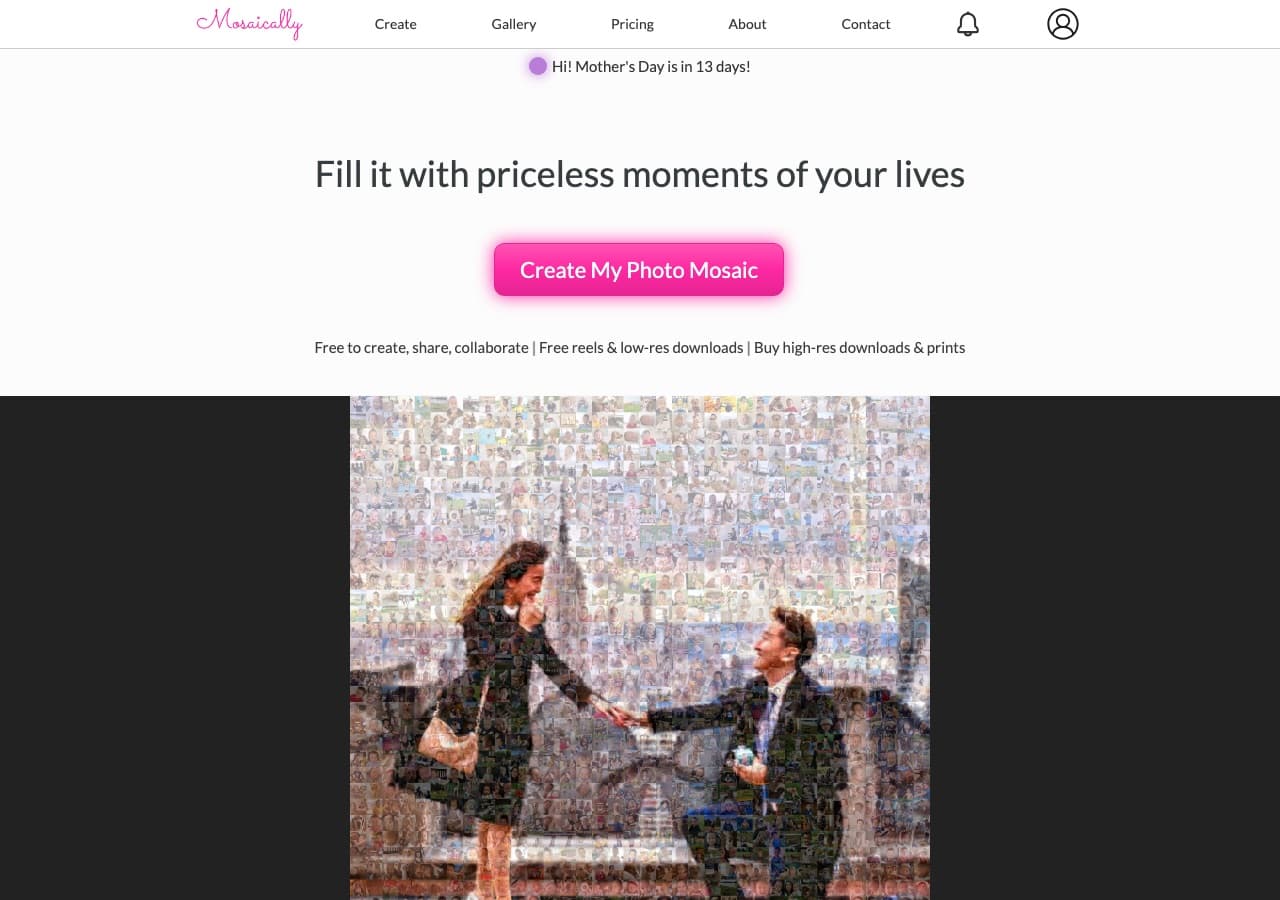
Mosaically is the name most beginners hit first. Free to create, prints from $129, and a collaboration feature that lets family members add photos to a shared mosaic. Output quality is solid for the price.
Pros: free preview, collaborative photo collection, ships globally.
Cons: watermarked free downloads, limited control over tile size and colour blending.
Pricing: free preview, prints from $129.
3. Picture Mosaics
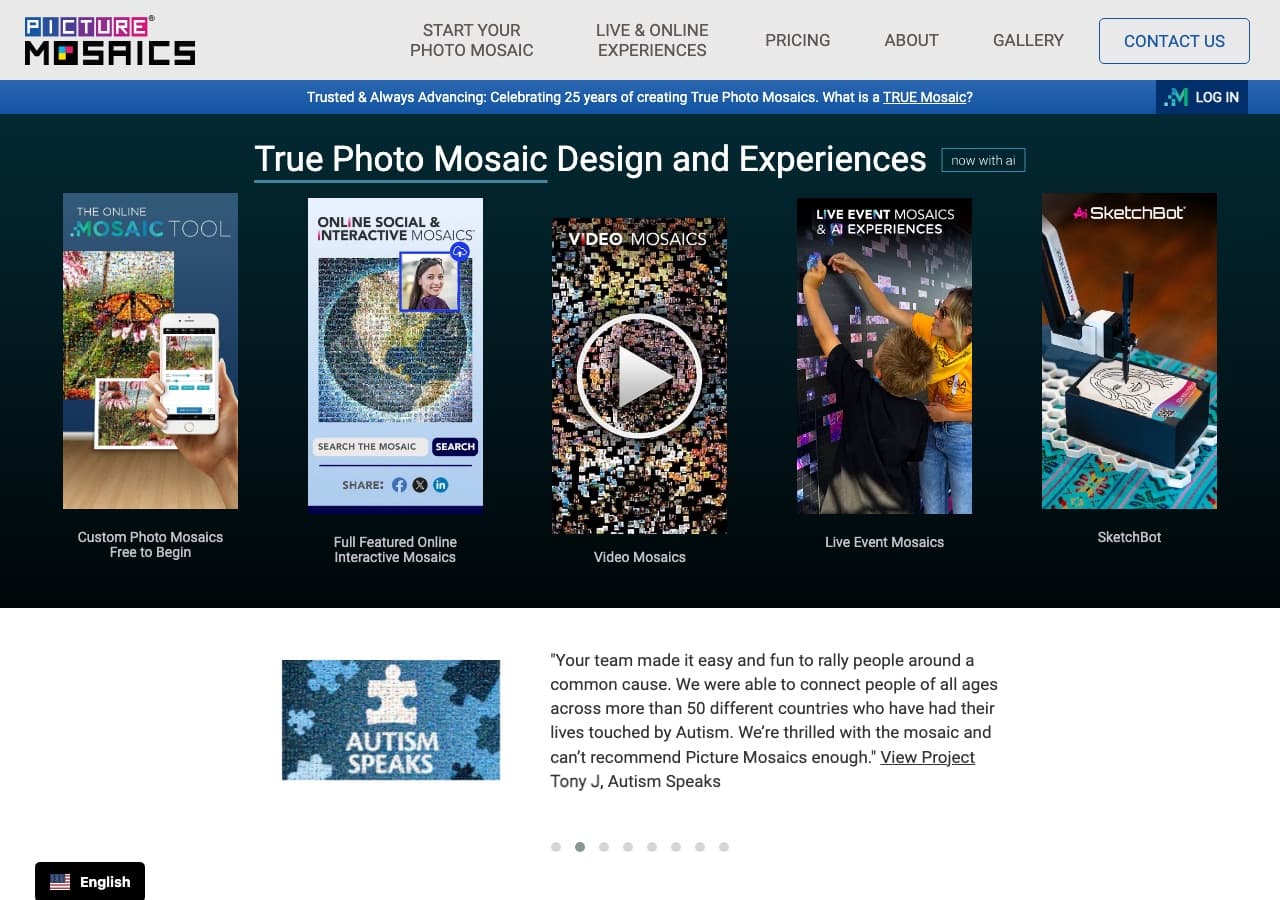
Picture Mosaics has been in the business since 2001 and dominates the live event and corporate mosaic space. Their premium design service is hand-curated, which is why pricing starts at $224.95.
Pros: 25+ years of experience, advanced styles (multi-size, scatter, 3D raised), event-scale capability.
Cons: the self-serve free tool is much weaker than the premium service. Premium price point.
Pricing: free online tool, prints from $39.95, premium design from $224.95.
4. TurboMosaic
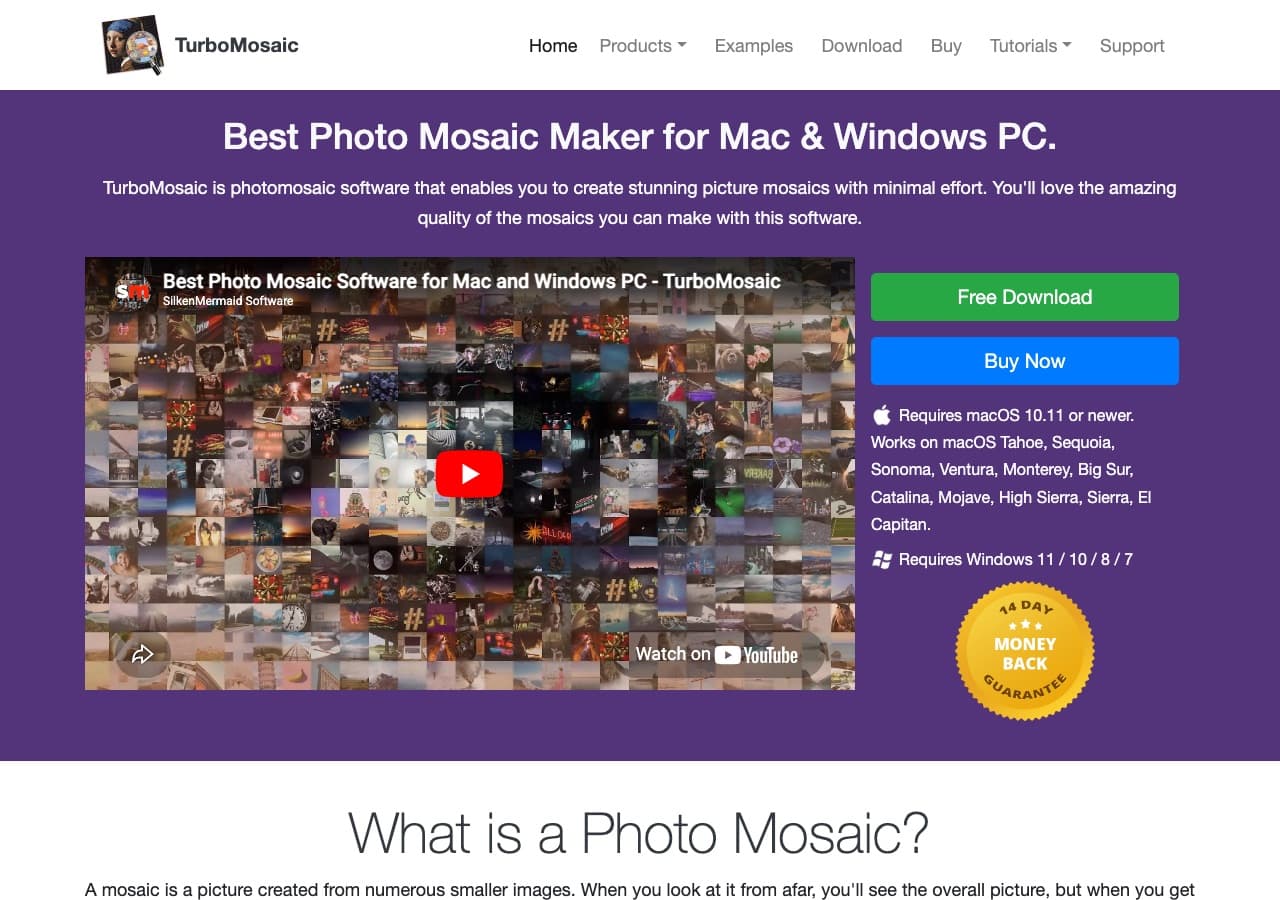
TurboMosaic is desktop software for Mac and PC. It is the strongest pick if you want to render very large mosaics. Up to 13 feet by 13 feet with no quality loss.
Pros: ultra-large output, exports to JPEG, PNG, TIFF, no subscription.
Cons: desktop install, learning curve, paid upfront with no free tier worth using.
Pricing: from around $59.95 (Home edition) up to $399 (Pro).
5. EasyMoza
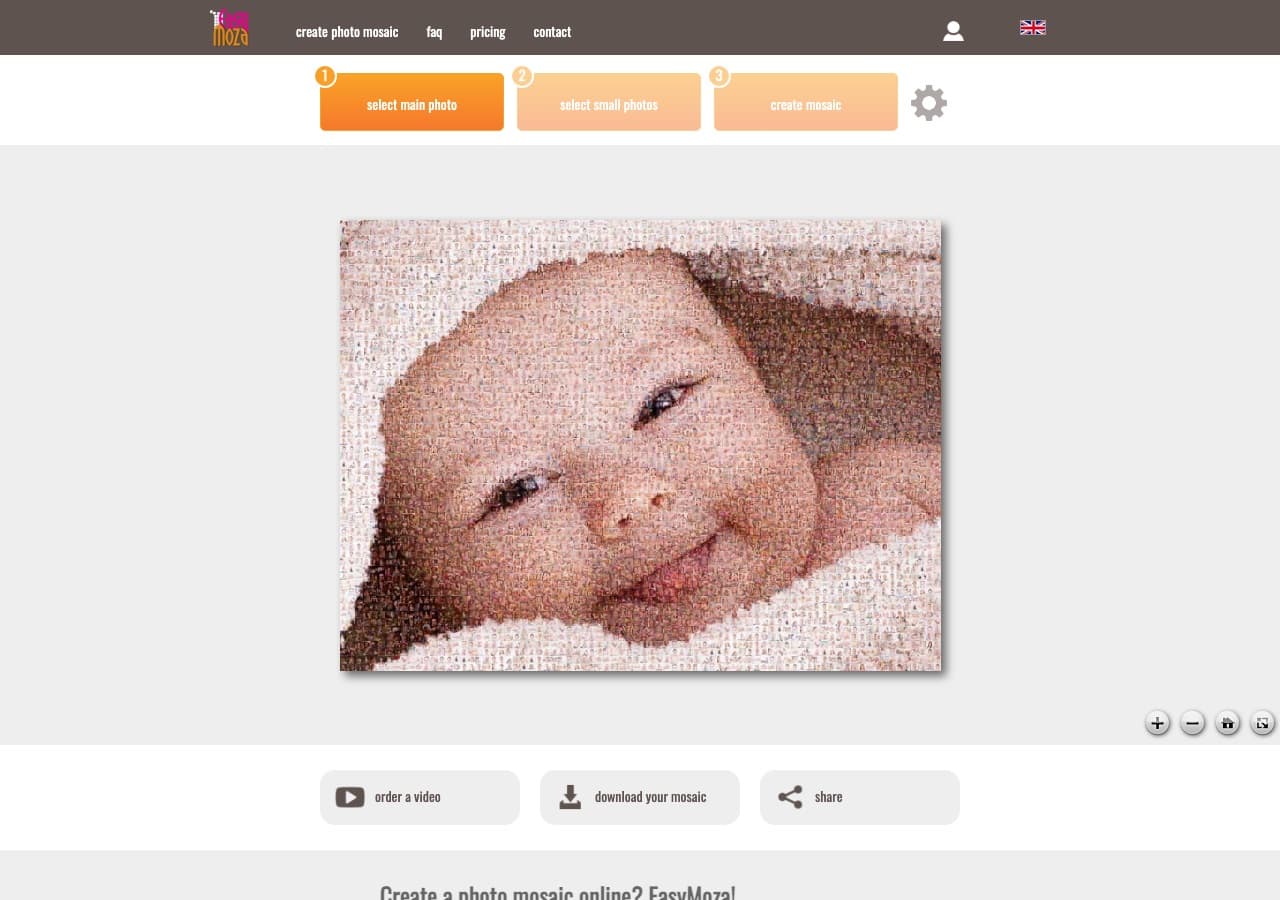
EasyMoza is the easiest mosaic tool on the web. Drag, drop, done. Genuine colour matching rather than a shortcut overlay.
Pros: dead-simple interface, browser-based, no signup.
Cons: 50 photo minimum, fewer customisation options, free previews only.
Pricing: free preview, paid for high-resolution.
6. Mosaic-Maker.com
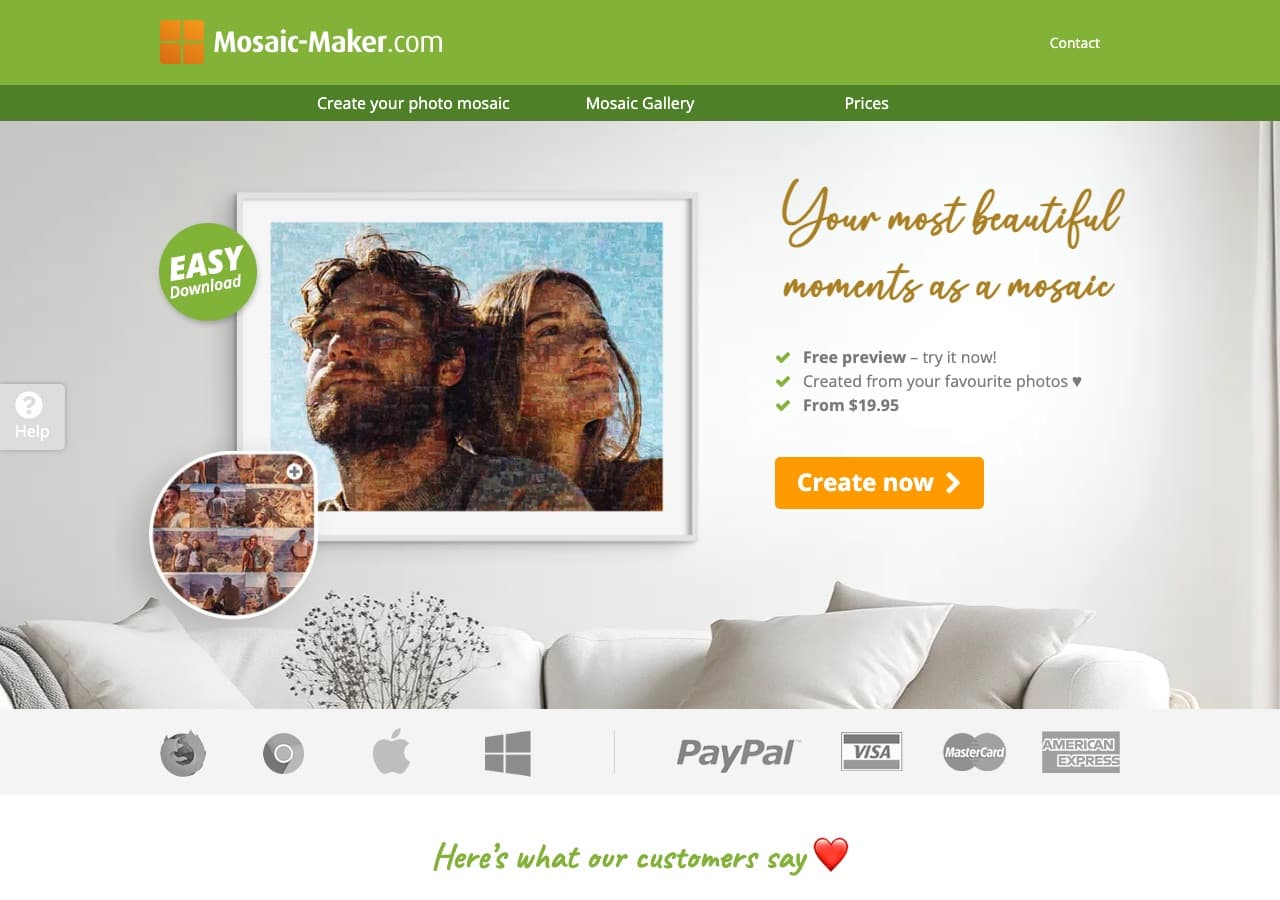
Mosaic-Maker.com takes 30 photos minimum and up to 1,000. The output is decent for what it costs, although the colour matching is noticeably weaker than the premium tools.
Pros: high upload limit, fast generation, available as instant download.
Cons: dated UI, weak fine-grain controls.
Pricing: free preview, paid downloads.
7. Mazaika
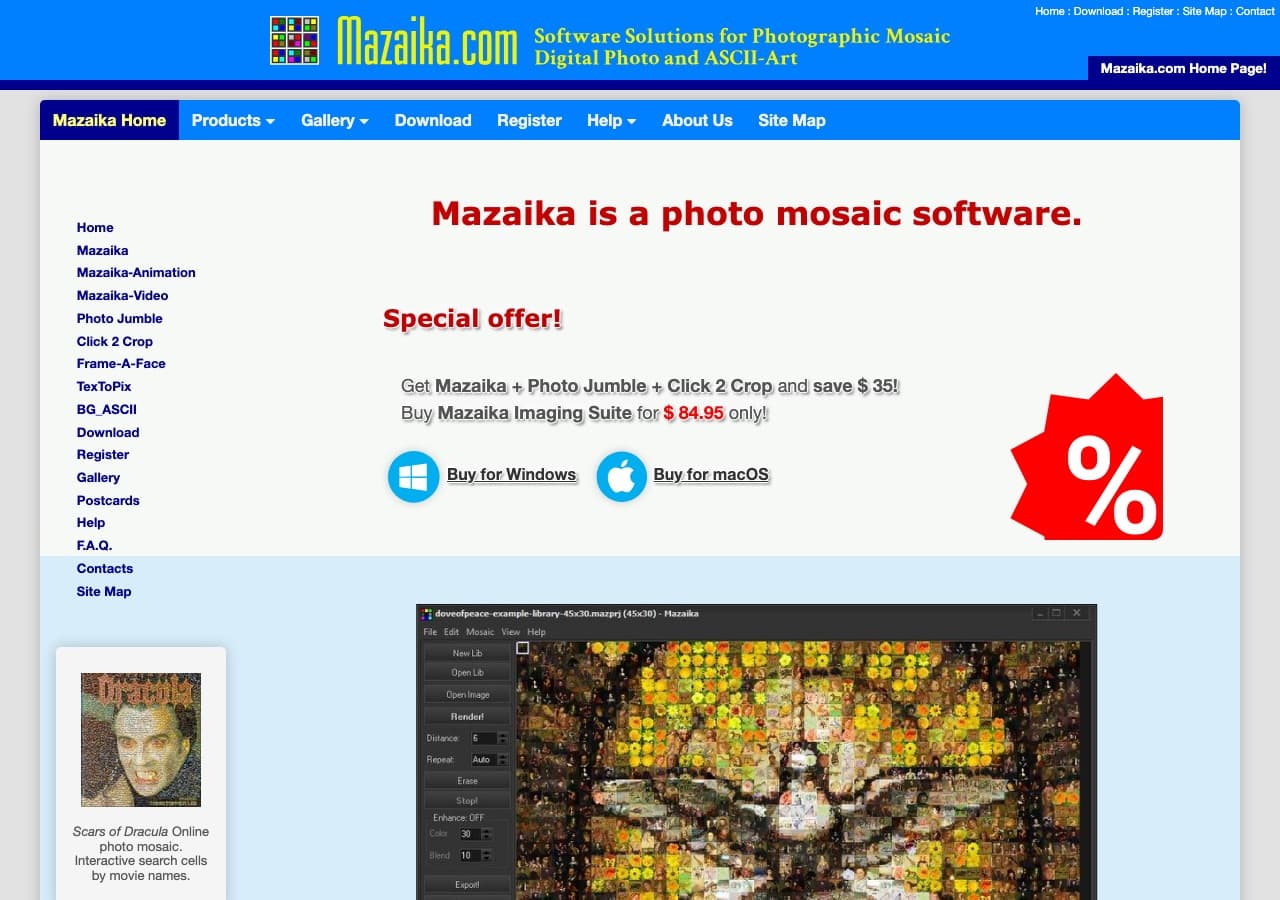
Mazaika is the connoisseur's desktop tool. The standout feature: it is the only program where you can manually swap any single tile in the finished mosaic. Painters and gallery artists love it.
Pros: manual tile swapping, irregular tiling, advanced colour correction.
Cons: Windows-first, dated interface, paid license required.
Pricing: from $30 (basic) to around $80 (pro).
Ready to make your own photo mosaic?
PicTiler turns your photos into a high-resolution mosaic in minutes. Upload a main image, drop in your gallery, and download a print-ready file. No watermarks on free previews and unlimited tweaks until you love the result.
Try PicTiler free8. AndreaMosaic
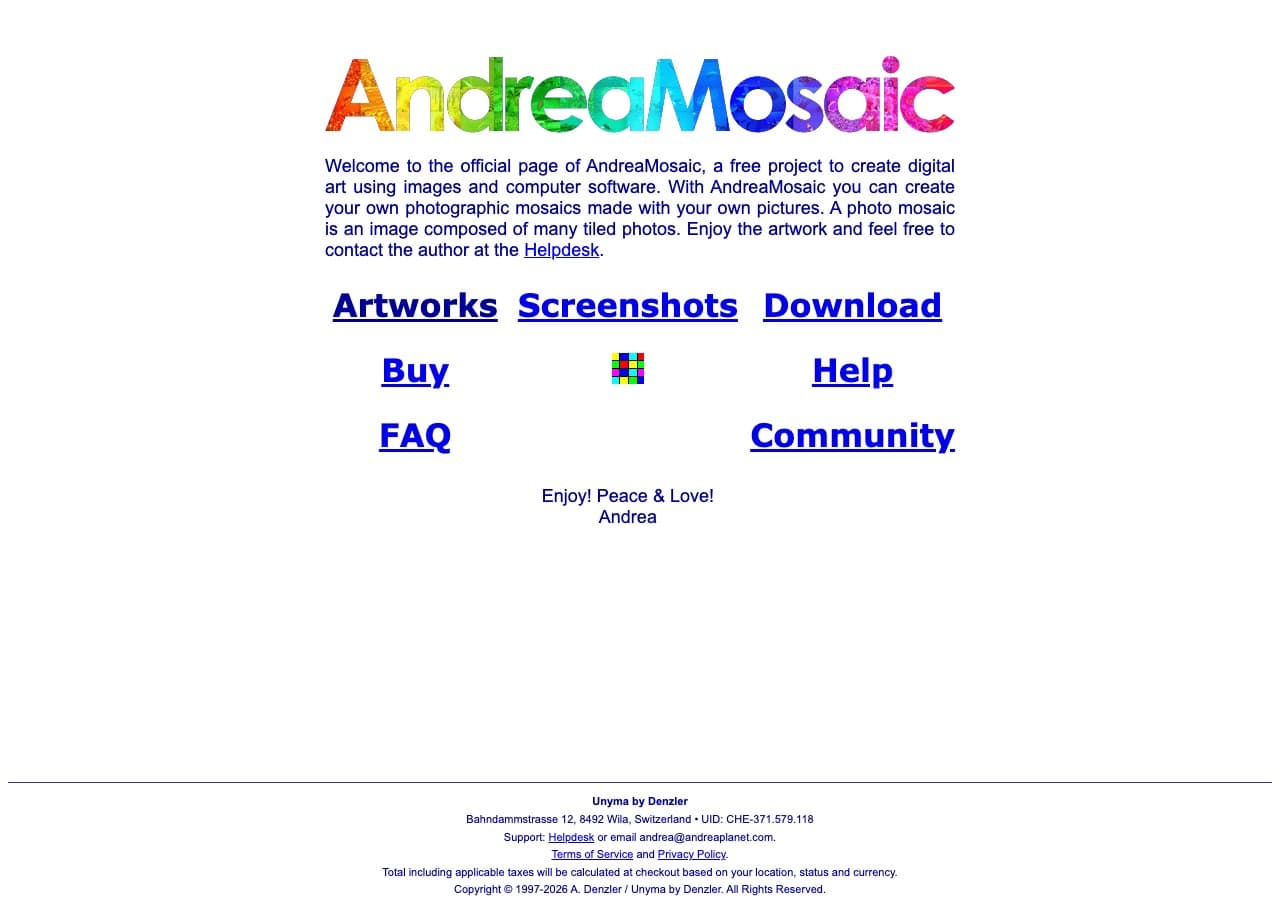
AndreaMosaic is the classic free Windows option. It has been around for two decades and the algorithm is genuinely good. The interface is from 2008.
Pros: free, surprisingly powerful, supports massive tile libraries.
Cons: Windows-only, no print integration, you print the file yourself.
Pricing: free.
9. PicMyna
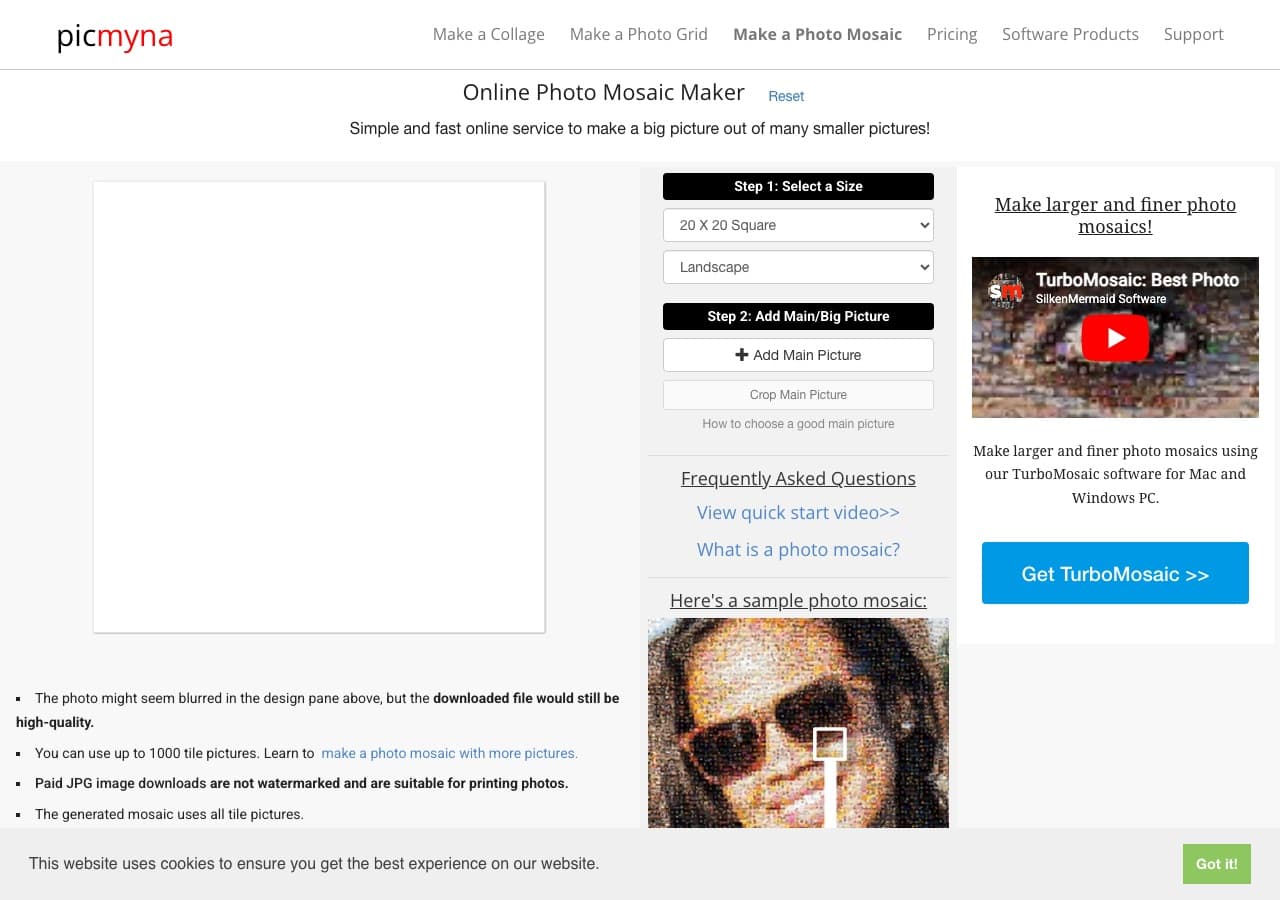
PicMyna is a quick browser-based option that supports up to 1,000 tile pictures. Free downloads come with a watermark.
Pros: no signup, fast, supports 1,000 tiles.
Cons: watermarked free downloads, limited print integration.
Pricing: free with watermark, paid removes it.
10. Creative Fabrica Studio
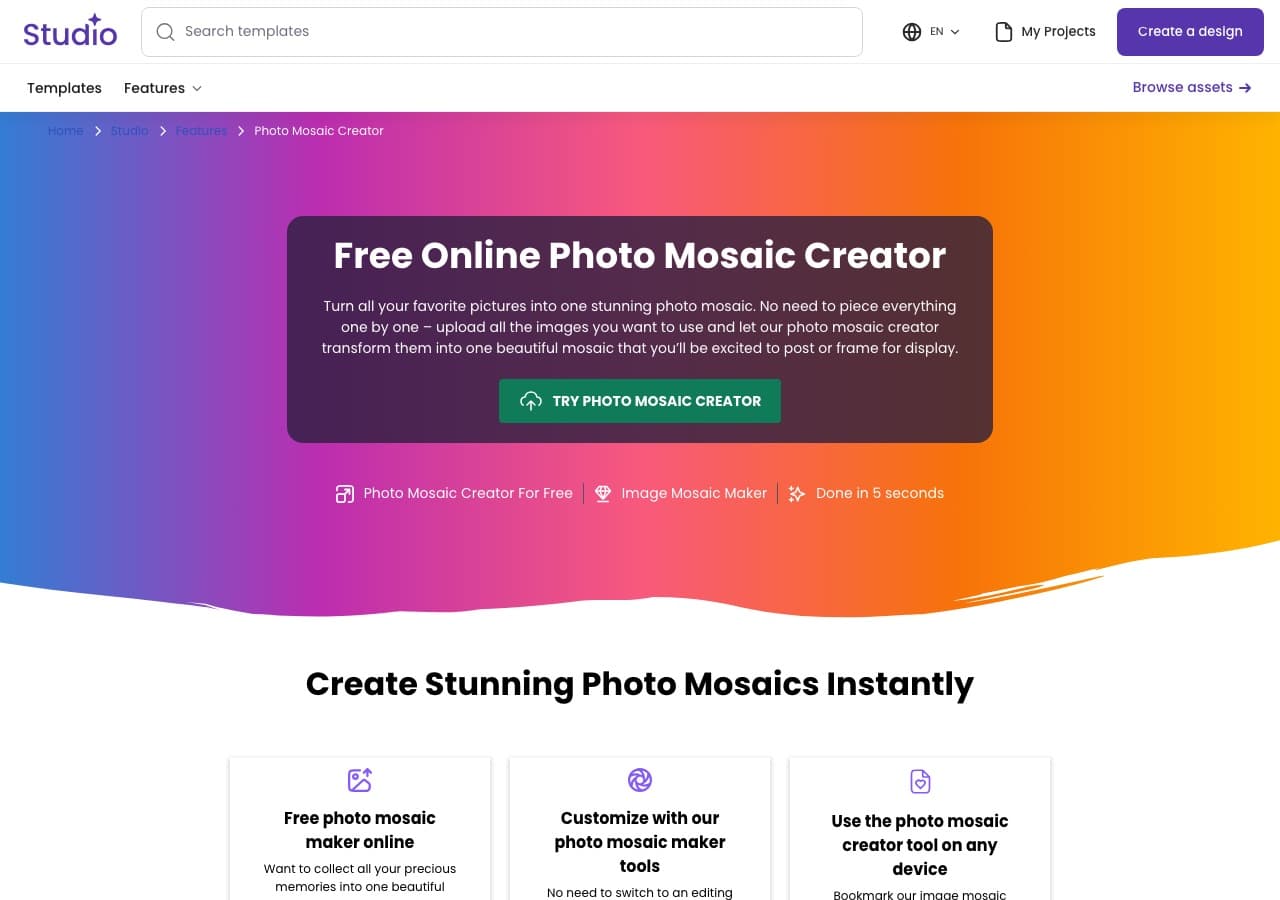
Creative Fabrica Studio has a fun twist: you can shape the mosaic into a heart, star, or any custom outline. Output quality is on par with the other free tools.
Pros: custom shapes, browser-based, filters.
Cons: you need a Creative Fabrica account, the tool is one of many features on the platform.
Pricing: free with Creative Fabrica subscription.
11. WidsMob Montage
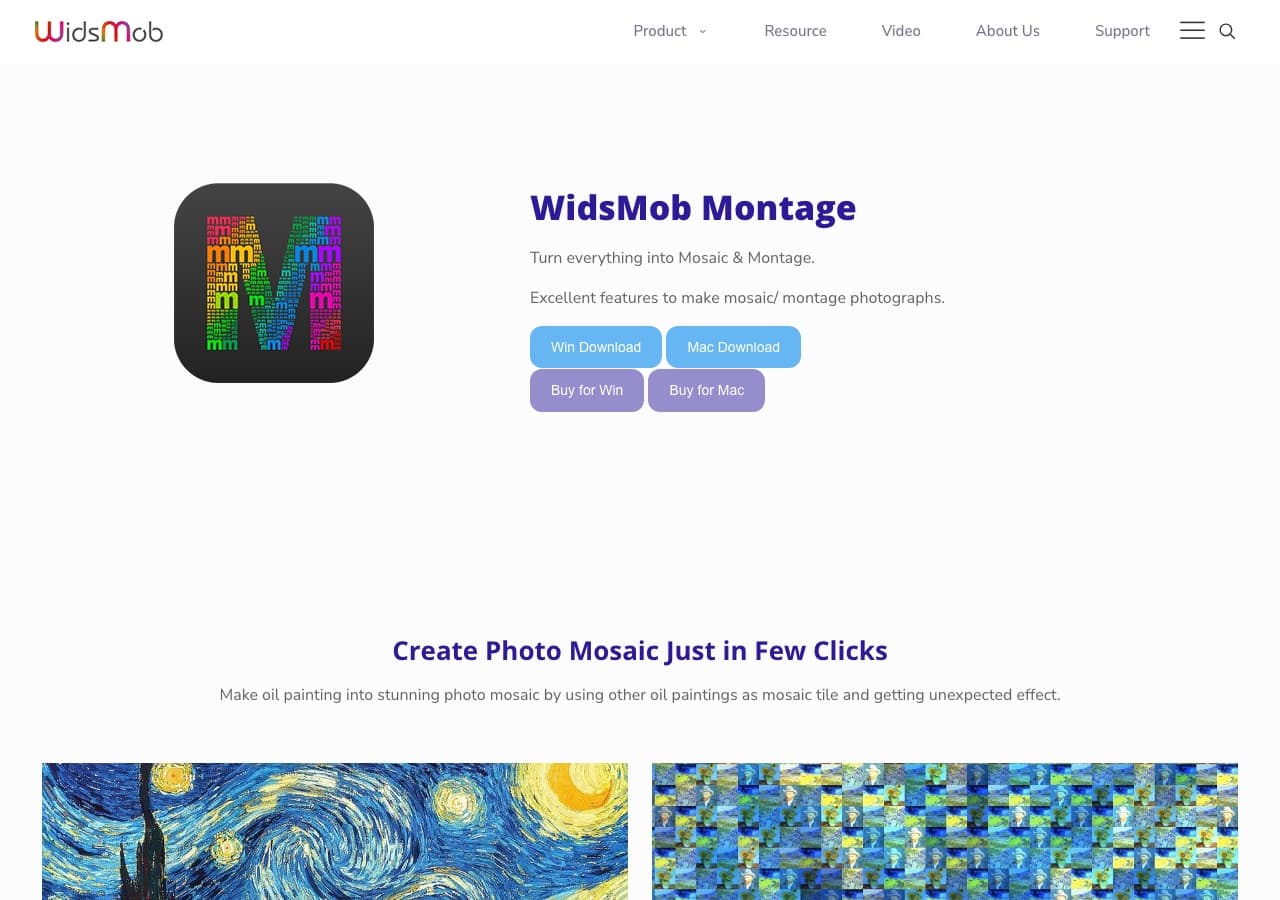
WidsMob Montage is a mid-tier Mac and Windows desktop app that supports varied tile sizes, transparent PNGs as the main image, and shape templates.
Pros: Mac and Windows, transparent main image support, multiple tile sizes.
Cons: the free version watermarks output, the algorithm is decent but not world-class.
Pricing: from $19.99.
12. Adobe Photoshop
Adobe Photoshop is the manual route. Set up a pattern, define each photo as a tile, and use overlay blend modes to fake the effect. It works but it is extremely slow compared to a dedicated tool.
Pros: total creative control, you already own it.
Cons: not a real photo mosaic algorithm, hours of manual work, no genuine colour matching.
Pricing: $20.99 per month (Photography plan).
Quick recommendations by use case
- One-off gift you want to print: PicTiler.
- Free with no install: Mosaically or EasyMoza.
- Wall-sized poster or canvas: TurboMosaic or PicTiler.
- Live event or corporate mosaic: Picture Mosaics.
- Manual tile-by-tile control: Mazaika.
- Free Windows desktop: AndreaMosaic.
Final thoughts
Your choice comes down to three questions: how big is the final print, how much control do you want over the output, and how important is the lack of a watermark. Most people are best served by a fast browser tool with proper colour matching. Power users with massive print sizes should look at desktop software.
Ready to make your own photo mosaic?
PicTiler turns your photos into a high-resolution mosaic in minutes. Upload a main image, drop in your gallery, and download a print-ready file. No watermarks on free previews and unlimited tweaks until you love the result.
Try PicTiler free