
How Many Photos Do You Need for a Photo Mosaic? (2026)
How many photos do you need for a photo mosaic? Quick chart by quality level, plus how dimensions affect photo count and what to do if you have fewer than 100 photos.
Posted by
 Jake Manger
Related reading
Heart-Shaped Photo Mosaic: How to Make One for Valentine's, Anniversary or Engagement
A tutorial for creating a heart-shaped photo mosaic from your photos. Step-by-step guide for Valentine's Day, anniversaries, engagements, weddings, and any romantic gift.
How to Make a Photo Mosaic from Your Instagram Photos (Step-by-Step)
A step-by-step tutorial for turning your Instagram archive into a photo mosaic. How to download every photo, organise them, and generate a mosaic from years of your feed.
Photo Mosaic Poster: Sizes, DPI & How to Print One That Looks Sharp
A complete guide to making a photo mosaic poster. Recommended sizes, DPI requirements, where to print, and how to keep the close-up tile reveal sharp at any size.
The short answer
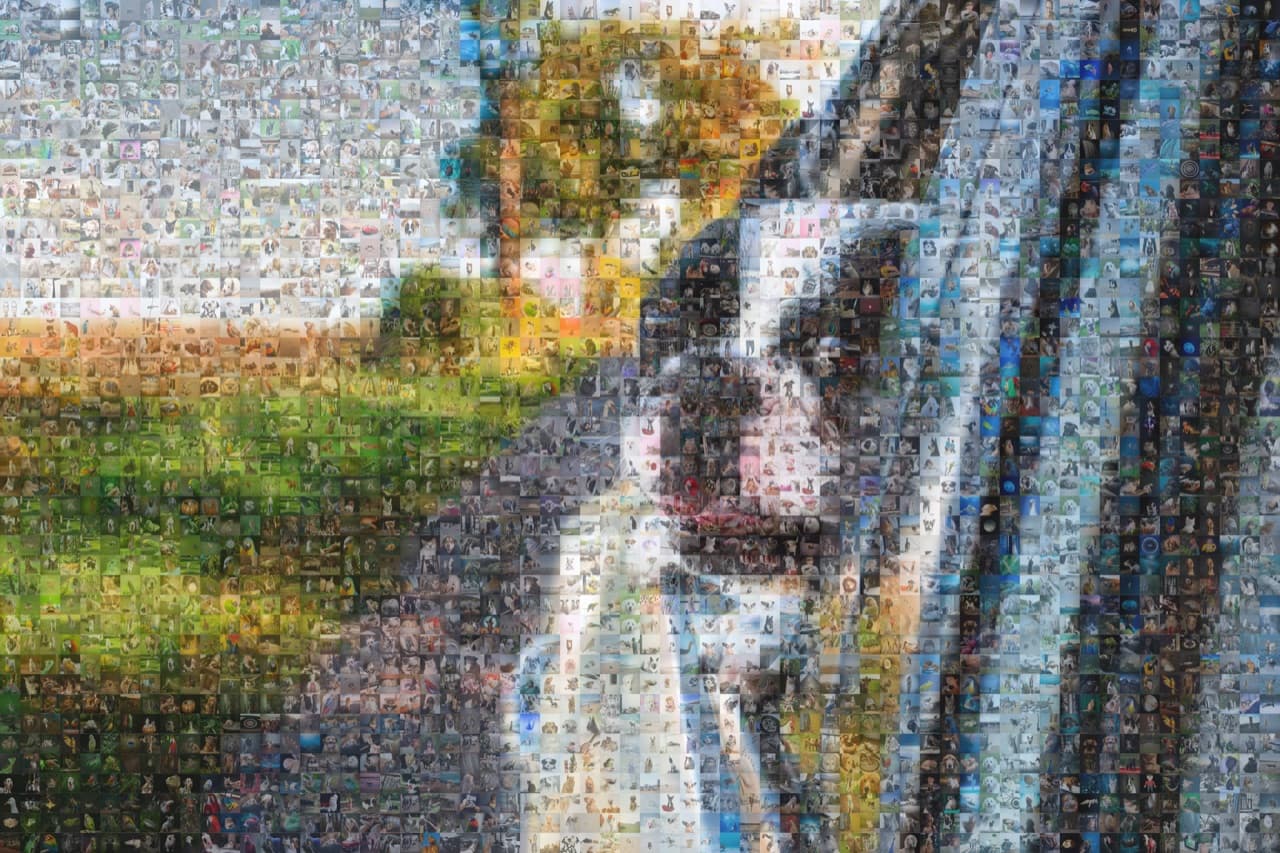
For a decent photo mosaic, plan for at least 100 photos. For a high-quality mosaic with little visible repetition, aim for 200 to 500. For a large-format poster or wall canvas with near-zero repetition, 1,000 or more is ideal.
Quick chart by quality level
- 30 to 50 photos: the absolute minimum most tools accept. Heavy repetition. Fine for tiny prints.
- 100 photos: the practical floor. Acceptable quality for an A4 or letter-size print.
- 200 to 500 photos: the sweet spot. Good colour matching, low repetition, suits prints up to 24x36 inches.
- 500 to 1,000 photos: high quality. Almost no visible repetition at standard viewing distance.
- 1,000+ photos: premium. Wall canvases, large posters, and event mosaics where every tile counts.
Why photo count matters
A photo mosaic works by replacing each section of the main image with a tile photo whose average colour matches. If your tile pool has only 50 photos, the algorithm has very few colour options. It will repeat the same photo dozens of times to fill in similar-coloured regions, and the output looks blocky.
With 500 photos, the algorithm has a wide colour palette and can usually find a near-perfect match for each region. With 2,000 photos, it can be picky.
The math: dimensions and tile count
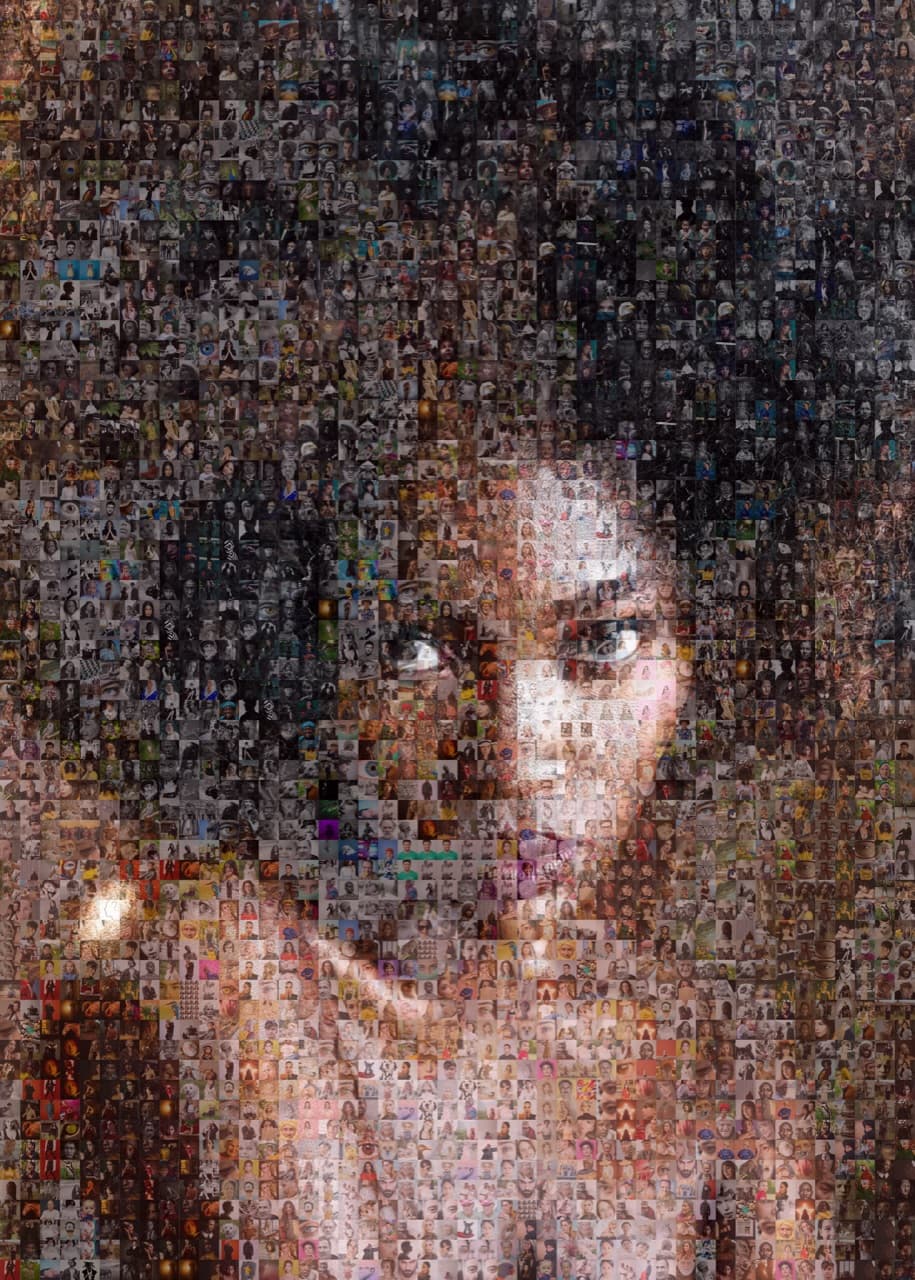
The mosaic's grid dimensions determine how many tiles it contains, which determines how many photos you can use without repeating.
- 24 x 24 grid: 576 tiles.
- 36 x 36 grid: 1,296 tiles.
- 48 x 48 grid: 2,304 tiles.
- 60 x 60 grid: 3,600 tiles.
- 100 x 100 grid: 10,000 tiles.
If you upload 250 photos to a 36 x 36 grid (1,296 tiles), each photo will be reused on average 5.2 times. If you upload 1,500 to the same grid, each photo appears less than once on average, and many tile slots are empty for the algorithm to choose from for the best colour match.
Ready to make your own photo mosaic?
PicTiler turns your photos into a high-resolution mosaic in minutes. Upload a main image, drop in your gallery, and download a print-ready file. No watermarks on free previews and unlimited tweaks until you love the result.
Try PicTiler freeWhat if you have fewer than 100 photos?
You have three options:
- Lower the grid density. Fewer tiles means less repetition. The downside: each tile is bigger, so the effect of the main image is more cartoonish.
- Generate variations. Most tools (PicTiler included) can mirror, crop, or recolour your photos to produce more usable variants.
- Mix in stock or environment photos. Sky shots, wood textures, neutral backgrounds, and pattern photos help fill background regions of the main image.
What if you have 1,000+ photos?
Lucky you. The algorithm now has options. You can either crank up the grid density to 60 x 60 or higher (every tile is unique) or use the same density and let the algorithm pick only the best colour match for each cell, ignoring the rest. Either approach produces the cleanest possible mosaic.
One catch: if you have 1,000 photos but they're all from one event, your colour palette may still be narrow. Mix in photos from different settings, lighting, and seasons.
Quality matters more than quantity
150 carefully chosen photos beat 1,500 random ones. Skip:
- Heavy filters and oversaturated edits.
- Near-duplicates (same scene, slightly different angle).
- Blurry or out-of-focus photos.
- Screenshots and memes.
Keep:
- Close-up faces (great average colour, recognisable up close).
- Landscape variety (skies, sand, grass, water).
- Indoor and outdoor mix.
- A range of lighting conditions.
Final thoughts
The honest answer to "how many photos do I need" is "more than you think, and a wider variety than you think." 150 carefully chosen photos with a good mix of colours will produce a better mosaic than 1,000 phone screenshots from the same dinner party. Start by gathering everything, then curate ruthlessly.
Ready to make your own photo mosaic?
PicTiler turns your photos into a high-resolution mosaic in minutes. Upload a main image, drop in your gallery, and download a print-ready file. No watermarks on free previews and unlimited tweaks until you love the result.
Try PicTiler free