
Memorial Photo Mosaic: A Loving Tribute Built from Their Photos
A gentle guide to creating a memorial photo mosaic that honours a loved one. How to gather photos, choose the main image, and turn a lifetime into a tribute that lasts.
Posted by
 Jake Manger
Related reading
Retirement Photo Mosaic: A Career Tribute Built from a Lifetime of Work
A guide to making a retirement photo mosaic. How to gather career photos, choose the right main image, and create a tribute that captures decades of work in one print.
Pet Memorial Photo Mosaic: Honor Your Dog or Cat with a Tribute Built from Every Walk
A guide to making a pet memorial photo mosaic. How to gather photos of your dog or cat, choose the portrait, and turn a lifetime of walks, naps, and adventures into one tribute.
Anniversary Photo Mosaic: The 25th, 50th & Every-Year Gift Guide
An anniversary photo mosaic gift guide. Ideas for the 1st, 10th, 25th, 50th, and every year in between, plus a step-by-step tutorial for making and printing one.
Why a photo mosaic works as a memorial
Most memorial gifts and displays carry one image. A framed portrait at the funeral. A photo on the headstone. A picture on the mantel. They are meaningful, but they do not show the whole person. A photo mosaic does. From across the room it is a single portrait, the way you remember them. Up close it dissolves into hundreds of small photos, every walk, every holiday, every birthday, every quiet weekend. It is a way to say: this is who they were, all of it, all at once.
This guide is written gently. Memorial mosaics are usually made in the weeks after a loss, or for a milestone anniversary of one. Below, how to gather photos when the person is no longer here to help, how to choose a main image, and how to turn a lifetime of small pictures into one tribute that lasts.
How to gather photos when they are gone
The hardest part of a memorial mosaic is sourcing photos. The person who knew where every photo lived is no longer here. A few practical tips:
- Start a shared family album. Use Google Photos, iCloud Shared Albums, or a Dropbox folder. Send the link to family and close friends. People will surface photos you have never seen before.
- Their phone, computer, and cloud storage. If you have access, check their camera roll, iCloud, Google Photos, and any old hard drives. Years of selfies are invisible until you go looking.
- Their social media. Facebook and Instagram archives can be downloaded as a zip if you have access. Years of photos and tagged memories with timestamps and captions.
- Print photos and old albums. Scan with a phone using an app like Google PhotoScan. Old print photos often capture the most meaningful eras.
- Group chats. Family group chats, friend chats, work groups. Years of forwarded photos sit in there.
Aim for at least 200 photos. 500 to 1,000 is ideal for a high-detail mosaic with no visible repetition.
Choosing the main image
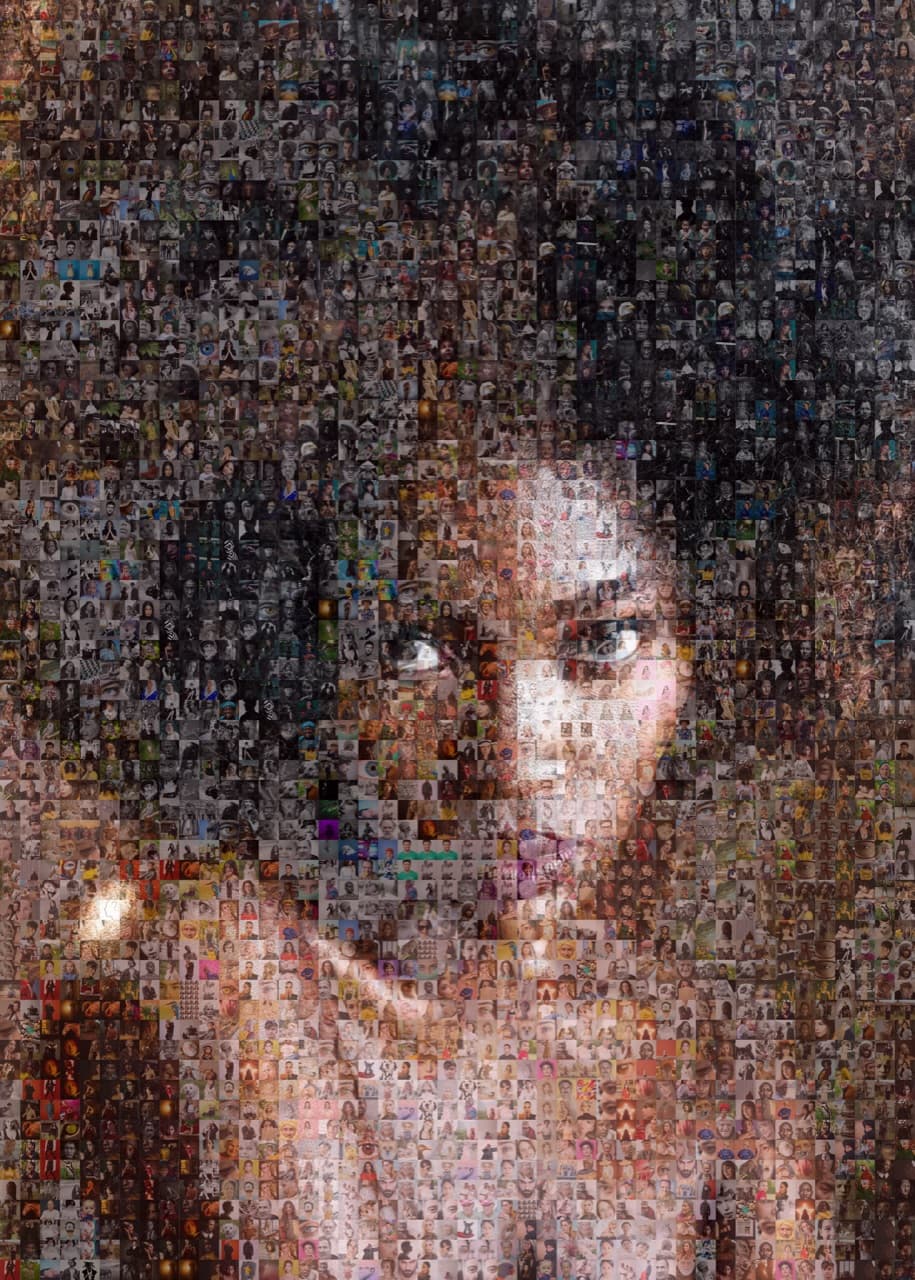
The main image is the photo someone notices first when they walk into the room. Five options that work for memorial mosaics:
- Their favourite photo of themselves. Often the most meaningful choice. If you do not know which one, ask their partner, sibling, or closest friend.
- A close-up portrait. Tightly cropped, high resolution, simple background. The photo most people would choose for a framed display.
- Their handwriting. A scan of a signature, a recipe in their handwriting, or a meaningful note. Tiles fill in the warmth of the memory.
- Their favourite place. The lake, the garden, the kitchen, the workshop. A photo of the place tiled with photos of them in it.
- A multi-generation portrait. A group photo that includes them, tiled with the family photos that grew from them.
What to put in the tile pool
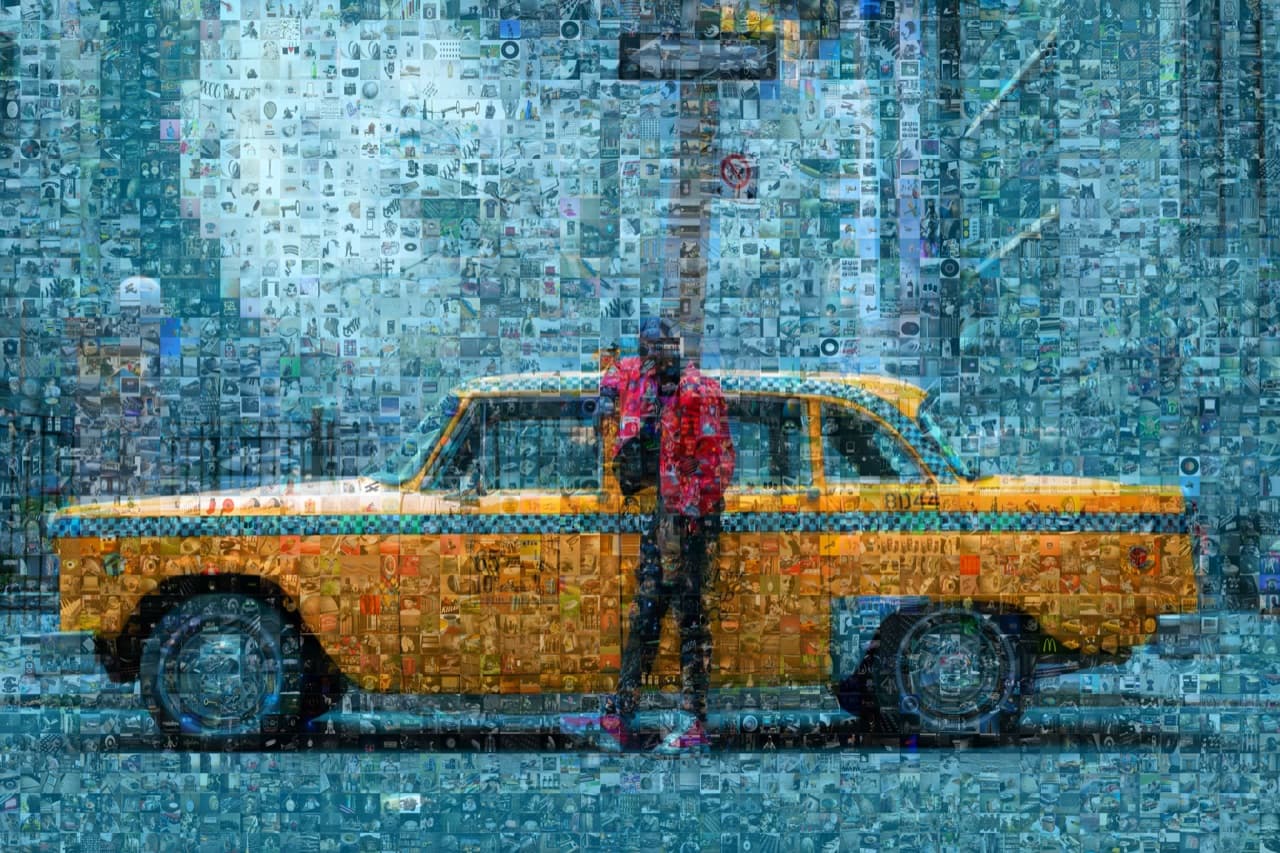
The tile pool is what gives the mosaic its meaning at close range. A few principles:
- Cover every chapter. Childhood, school years, early adulthood, family life, later years. The photos should span the whole life, not just the recent decade.
- Mix everyday and milestone. Weddings and graduations matter, but a quiet weekend photo of them gardening or making coffee will hit harder than expected.
- Include the people they loved. Tiles of family, friends, pets, colleagues. The mosaic should also show who they spent their life with.
- Let imperfect photos in. Slightly blurry, low-resolution, badly lit. They count toward variety, and the mosaic algorithm will pick the best matches anyway.
Ready to make your own photo mosaic?
PicTiler turns your photos into a high-resolution mosaic in minutes. Upload a main image, drop in your gallery, and download a print-ready file. No watermarks on free previews and unlimited tweaks until you love the result.
Try PicTiler freeMemorial mosaic ideas by use case
For a funeral or memorial service
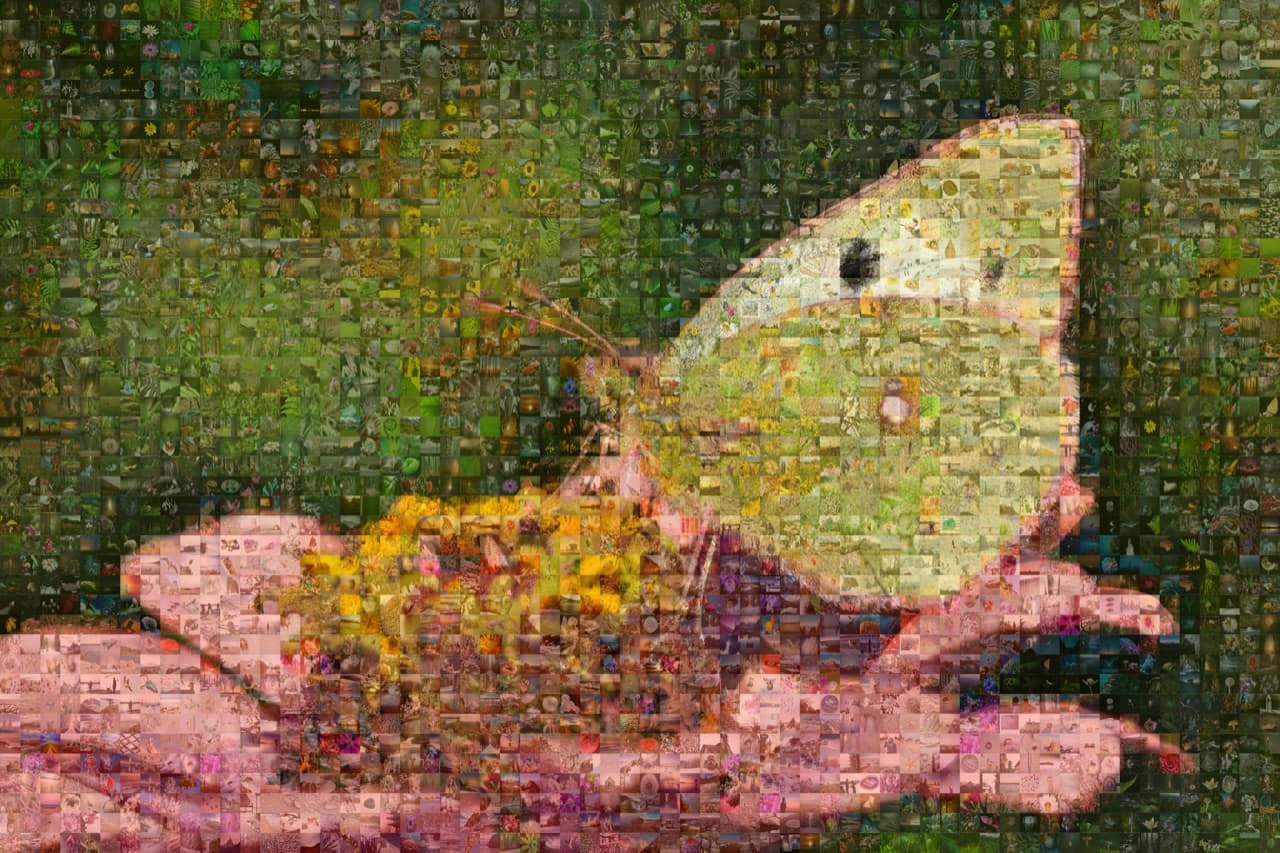
A printed memorial mosaic at the entrance of the service room is one of the most-photographed parts of any funeral. Print at 18x24 inches or larger so guests can stand close and find specific tiles. Bring a printed key (a list of who is in the tile pool) for guests who want to know.
For the family home
A canvas-printed memorial mosaic for the living room or hallway is the most common request. Choose a calmer main image (a portrait or favourite place rather than a typographic number) so it sits comfortably in daily life rather than announcing itself.
For a milestone anniversary of loss
A first or fifth anniversary of a loss is a meaningful time to make a mosaic. The photo gathering is easier with distance. Many families turn this into a small project that gives them something concrete to do for the person they miss.
For an extended family
Make one mosaic and order multiple prints. One for the spouse's home, one for each adult child, one for the siblings. Each family gets the same tribute on their wall.
How to actually make a memorial photo mosaic
- Set up a shared photo album. Invite family and close friends. Give the gathering at least two weeks.
- Pick the main image. Use the suggestions above. If unsure, ask their closest person.
- Generate the mosaic in PicTiler. Upload the main image and tile pool. Adjust grid density and colour blending until the close-up reveal feels respectful and clear.
- Print at gift quality. Canvas, framed matte, or metal. Order multiple prints if more than one family member should have a copy.
Final thoughts
The point of a memorial mosaic is not to capture every memory. It is to give the person looking at it a reason to stop and keep looking. Every tile is a small reminder that this person lived a life full of small moments, that those moments mattered, and that the people who loved them are still here to see them. Take your time gathering photos. The mosaic will be on the wall for decades.
Ready to make your own photo mosaic?
PicTiler turns your photos into a high-resolution mosaic in minutes. Upload a main image, drop in your gallery, and download a print-ready file. No watermarks on free previews and unlimited tweaks until you love the result.
Try PicTiler free